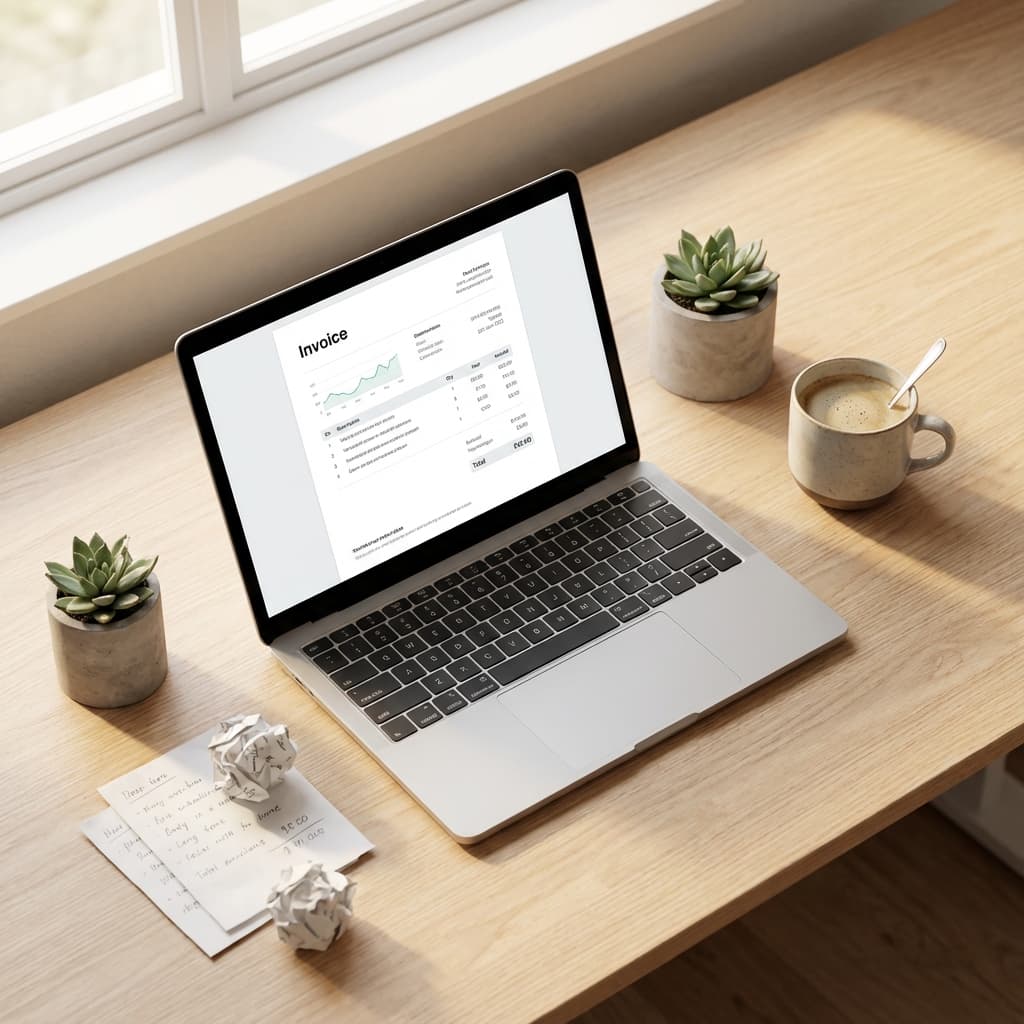
Let me be honest with you. When I started freelancing back in 2019, I genuinely believed you had to pay for invoicing software. Every tool I tried had that same frustrating pattern - looks free, works great for a week, then boom. "Upgrade to remove watermarks." "Unlock unlimited invoices for just $15/month."
Fast forward to 2026, and I've tested pretty much every free invoicing option out there. I wasted so much time in the early days, thinking there had to be a genuinely free way to send professional invoices. Turns out, there is. Several, actually. And I'm going to save you the headache I went through.
The Problem with "Free" Invoicing Tools in 2026
Before we get into the solutions, let's talk about why this is even tricky. Most invoicing tools use what I call the "free-ish" model:
- Free for 3-5 invoices per month, then you pay
- Free, but with a giant watermark across your invoice
- Free trial for 14 days, then mandatory subscription
- Free, but no PDF download (seriously, what's the point?)
- Free, but they collect and potentially sell your client data
When you're just starting out or running a small business, these limitations sting. You need to invoice clients, not manage another subscription.
Method 1: Browser-Based Invoice Generators (My 2026 Pick)
This is what I personally use now, and honestly, I wish I'd found this approach earlier. Browser-based tools let you create invoices directly in your browser, download them as PDFs, and that's it. No account needed, no data stored on servers, no monthly fees.
The best part? Everything happens locally on your device. Your client details, your pricing - none of it gets uploaded anywhere. For someone who's a bit paranoid about data privacy (guilty), this is a big deal. Check out our collection of free invoice templates - we've got options for every industry.
Method 2: Google Docs or Word Templates
Look, this isn't glamorous, but it works. You can find invoice templates directly in Google Docs (File → New → From Template) or download Word templates from Microsoft's template gallery.
The catch? You'll spend more time formatting than invoicing. Every client needs manual entry. Calculations? You're doing those yourself. It's fine for one or two invoices a month, but it gets old fast.
I used this method for my first year. It worked. But looking back, I probably spent hours formatting invoices that I could've spent, you know, actually working.
Method 3: Spreadsheet Invoices
If you're comfortable with Excel or Google Sheets, this can actually work pretty well. Set up your invoice template once with formulas for totals, taxes, and discounts. Then just duplicate the sheet for each new invoice.
Pros: Free, customizable, automatic calculations.
Cons: Doesn't look as polished, harder to brand properly, and exporting to PDF can sometimes mess up the formatting.
I still keep a master spreadsheet for tracking all my invoices. But for the actual document I send to clients? I use something that looks more professional.
Method 4: Canva (The Design-First Approach)
If aesthetics matter to you (and they should), Canva has some gorgeous invoice templates in their free tier. You can customize colors, fonts, add your logo - make it really feel like yours.
The downside is you're essentially designing a poster, not filling out a form. There's no auto-calculation, no line item logic. You're manually typing everything, including the math. Fine for occasional invoices, but tedious for regular use.
What Actually Matters in a Free Invoice
Here's something I learned the hard way: the tool doesn't matter if your invoice is missing key information. Whatever method you use, make sure your invoice includes:
- Your business name, address, and contact info
- Client's billing details (ask for their exact requirements!)
- A unique invoice number (I use YYYY-MM-###)
- Clear itemized list of services or products
- Payment terms (Net 15, Net 30, Due on Receipt)
- Payment methods you accept
- Due date - not just terms, the actual date
Miss any of these and you risk delayed payments or awkward back-and-forth emails. I once forgot to include my payment details on an invoice. Client literally couldn't pay me for two weeks because I was traveling and didn't check emails. Lesson learned.
The Real Question: Time vs. Money
Here's my honest take. You can create invoices for free with any of these methods. But there's a hidden cost: your time.
Google Docs? Free, but 15 minutes per invoice. Spreadsheets? Free, but tricky formatting. Canva? Free tier works, but manual entry gets old.
Browser-based invoice generators hit the sweet spot for me. Fill in the details, hit download, done. Two minutes, maybe. No learning curve, no subscription, no data concerns.
Special Considerations by Business Type
If You're a Freelancer
Keep it simple. You don't need enterprise invoicing software in 2026. A clean template, your logo, clear payment terms. That's it. Half your clients probably pay via PayPal anyway - just make sure that's listed. Try our freelance invoice template or the freelance writer invoice if you're in content.
If You're a Small Business in India
GST compliance changes things in 2026. You'll need invoices with GSTIN, HSN/SAC codes, and proper tax breakdowns. Make sure whatever free tool you use supports these. Sending a non-compliant invoice isn't just unprofessional - it can cause actual legal headaches. Our GST invoice generator handles all the compliance bits automatically.
If You're in the US or UK
Sales tax requirements vary by state/region, but generally, you have more flexibility in 2026. Focus on clear itemization and professional presentation. And for the love of all things, don't forget your EIN or VAT number if applicable. We've got specialized templates for consultants, photographers, construction work, and medical billing.
My 2026 Setup (In Case You're Curious)
Right now, I use a free browser-based generator for actual invoices. I have a template saved with my logo, standard payment terms, and bank details pre-filled. When a project wraps up, I spend about 2 minutes customizing it for that client, download the PDF, and send it off.
I keep a simple Google Sheet as my "invoice log" - tracking invoice numbers, amounts, and payment status. Nothing fancy. Works perfectly.
Total cost for invoicing software? Zero. Time spent per invoice? Less than making my morning coffee.
Bottom Line for 2026
Creating invoices for free in 2026 isn't just possible - it's actually pretty easy once you know where to look. Skip the "free trial" traps, avoid anything that wants your credit card "just in case," and find a tool that genuinely works without strings attached.
Your invoice should make you look professional and get you paid. That's the entire job. Everything else is noise.
Want to try the approach I use? Our free invoice generator runs entirely in your browser - no sign-ups, no watermarks, no limits. Just fill in your details and download. Browse our full template library or jump straight to specialized templates for GST invoices, freelance work, contractors, and consulting services.